

 Zoomed to minimumUse the plus and minus key to zoom and the arrow keys to pan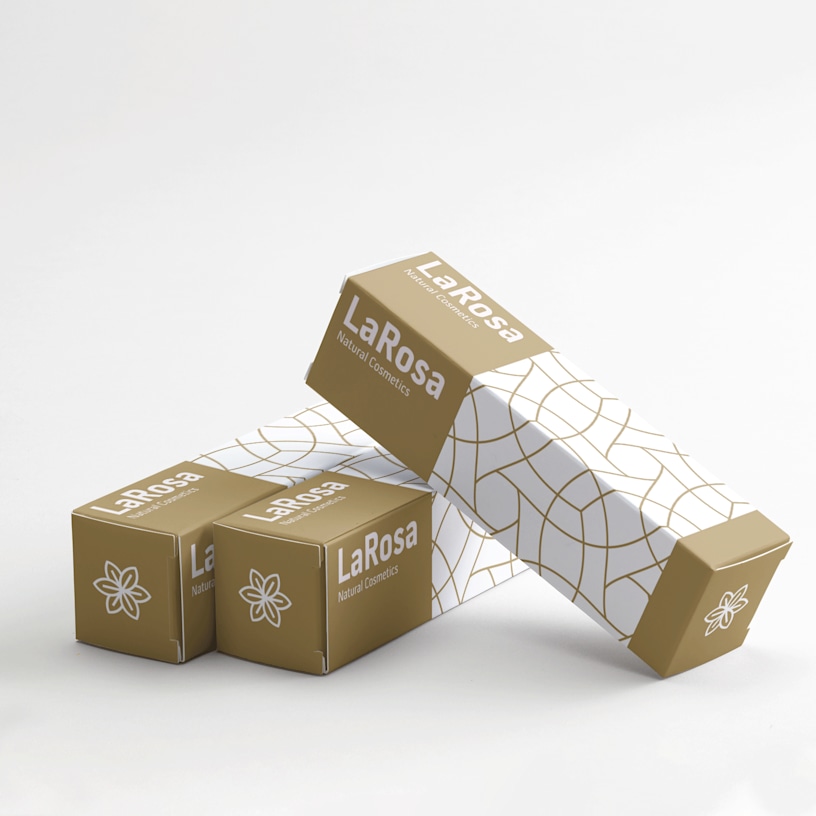
Product Boxes
Give your packaging a brand-new look.
- 6 size options
- 3 finish options
- Easy to assemble
- Full-colour, all-over printing
- New 3D design experience
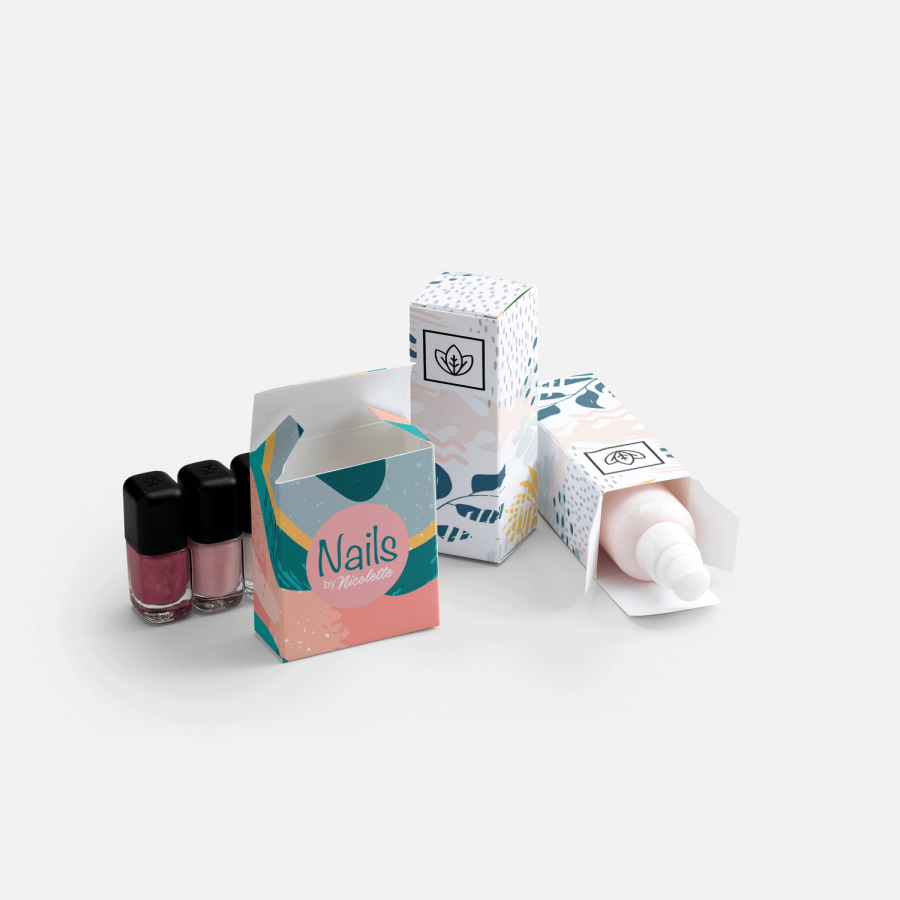
Your products are the star of the show, but your packaging is often your customers first interaction with them. Our printed boxes make it easy to give your products or giveaways a fresh and professional look that helps you stand out on shelves and reinforces your brand identity – just add your logo, business name and brand colours.
Ready to create your personalised packaging? Start by uploading your design to our studio – we've got new 3D functionality which makes it super easy to see how your box will look once printed. Or, why not work with a graphic design pro at 99designs by Vista? They can help you create a completely unique design, that's ready for print. For the best quality print, make sure your images are clear, vibrant and have a high resolution. When you're all done, we'll take it from there and have your printed boxes delivered and ready to assemble.
Need a larger quantity? Click here to get a CustomQuote.
Reviewed by 4 customers

You can upload your own image or logo to our studio or download our template and create your design using a photo editor.
To use our template you’ll need to go to our “Specs & Templates” tab, choose your box size and download our designable template.
Open the file and design your box using a vector graphic editor like CorelDraw or Adobe Illustrator. Once your design is complete save it as a .pdf and upload it to our studio.
You can follow our instruction manual for more tips on how to use our template.
To make your design pop, we recommend you keep the following in mind:
- Use clear fonts. You'll want to make sure your text is easy to read.
- Think big. Can your design be seen and understood, even from a distance?
- Colour choice matters. Make sure your design uses colours that will stand out against the colour of the box itself.
If you're using our template, here are a couple of things to remember:
- It’s best to lock layers so guidelines aren’t accidentally moved.
- Make sure the document size isn’t altered.
- Create your file in CMYK (cyan, magenta, yellow, black) with the Fogra 39 colour profile. Images with RGB or Pantone colours are converted automatically using a standard colour separation profile.
- The ideal resolution for your file is between 250 and 300 dpi.
- Be sure to follow our guidelines to ensure your design remains in the printable area.
You should design in CMYK (cyan, magenta, yellow and black). Artwork in RGB or Pantone colours are converted automatically using a standard colour separation profile.
At the moment, your design can only be printed on the exterior of the box. The interior of your box is white.
Our boxes are delivered flat and are easy to assemble.
If you’re uploading a logo or image to our design studio, we accept .pdf, .ai, .jpeg, .png, .doc and .ppt.
If you design a file using our templates, you’ll need to convert and save your file as a .pdf.
Not at the moment, but we do offer 6 different size options so you can create a box that’s just right for you.
With the box open toward you, here is how to get the correct measurements for the inside of the box:
- The length is measured from the left to the right side of the box.
- The width is measured from the front to the backside of the box.
- The height is measured from the top to the bottom side of the box.
Yes, the minimum order quantity is 25.
No, at this time you can only upload your own design.