

 Zoomed to minimumUse the plus and minus key to zoom and the arrow keys to pan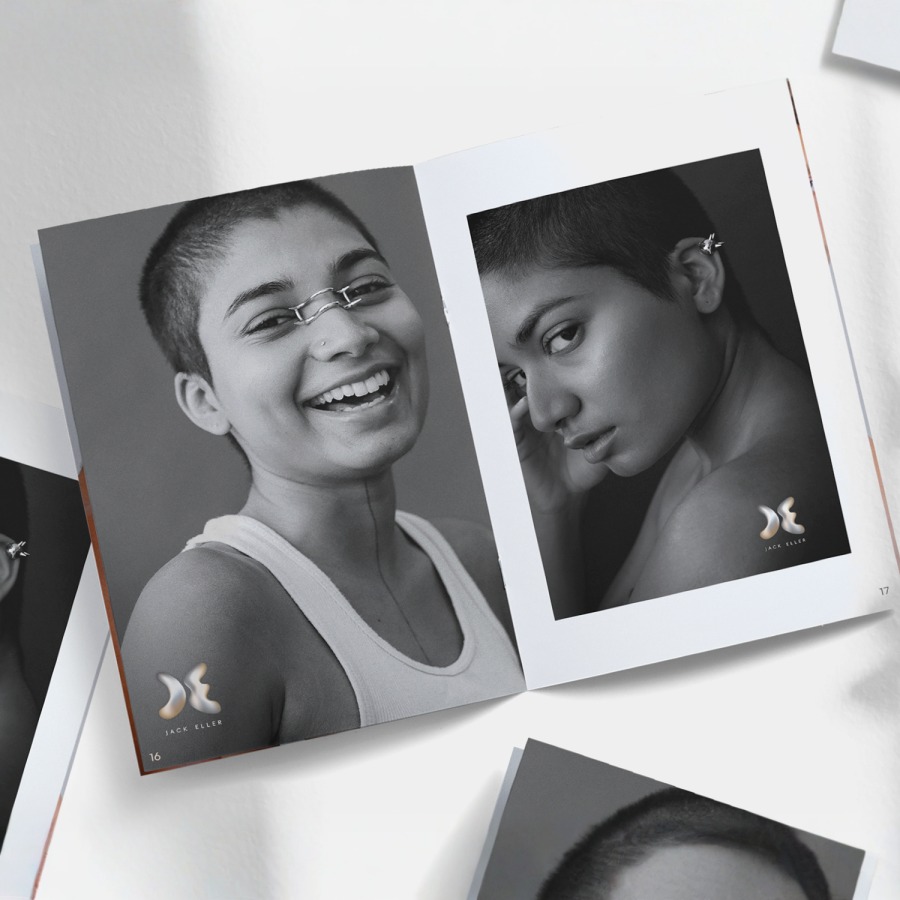
Booklets
Note: To learn how to create your saddle-stitched booklet, download our quick PDF guide.
Share detailed information with a compact, custom booklet.
- NEW: DL portrait & square sizes (matte only)
- 6 size options
- 8-64 pages (Inner pages: 150 gsm paper)
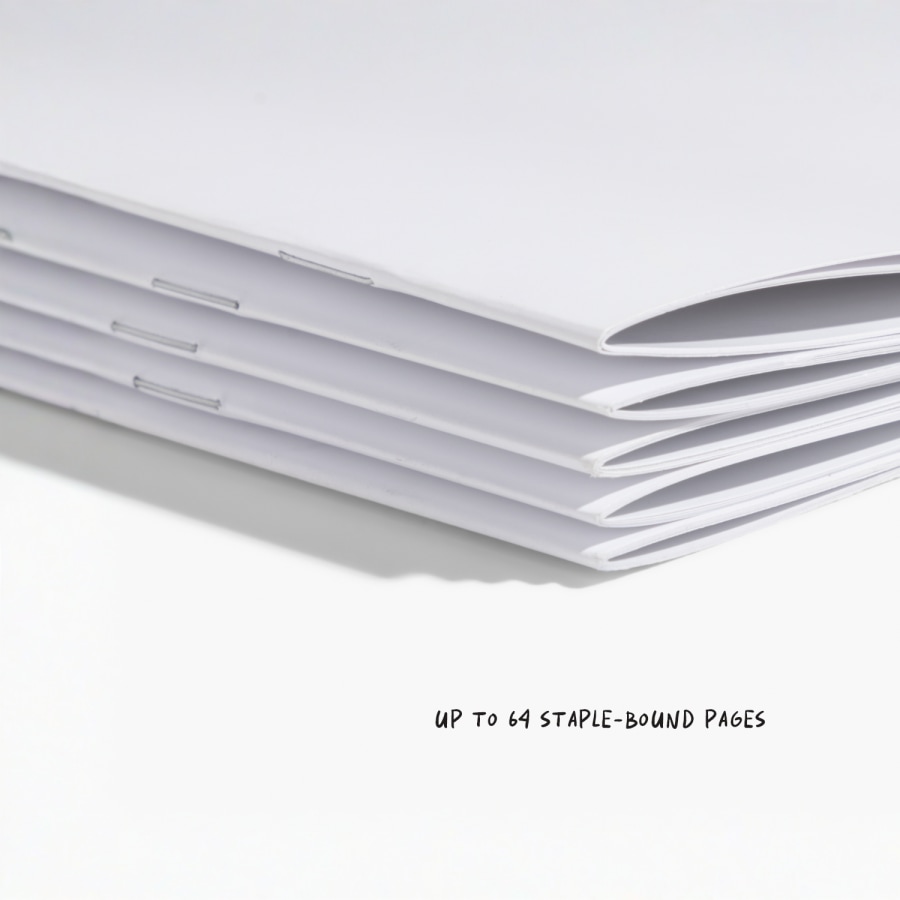
- Saddle-stitched binding
- Standard or premium cover thickness
A preview they can flip through
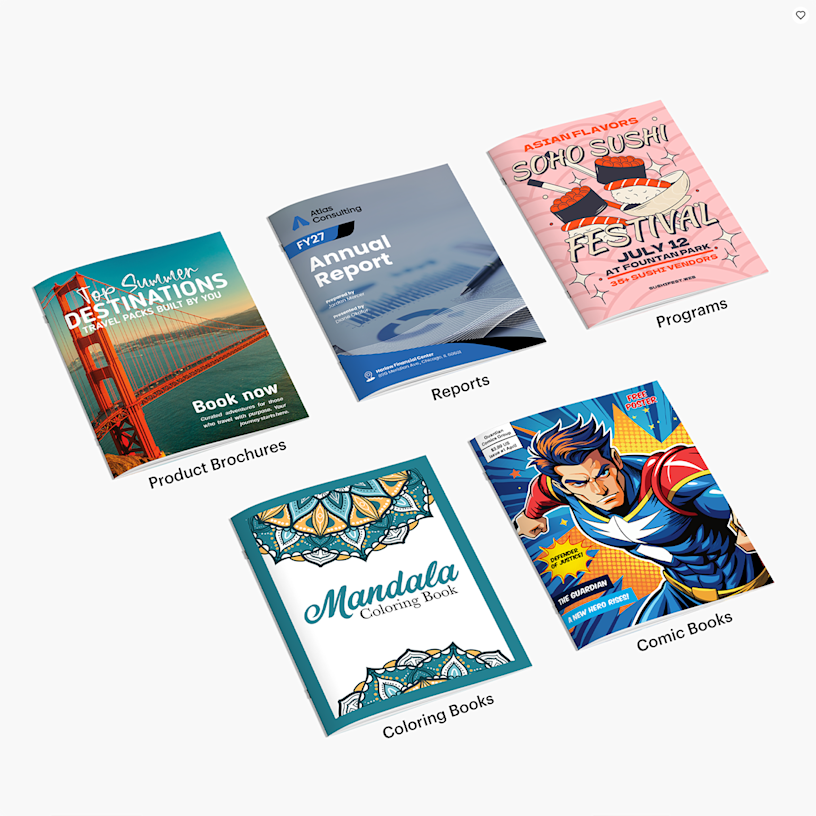
Want to give them a sneak peek of your services? Our custom booklets have you covered. From magazines to catalogues and more, they’re great for keeping customers engaged and informed. Plus, you can use them wherever – stacked onto your store counter, tucked into packaging or sent to subscribers’ mailboxes.
So many ways to stand out
Our business booklets feature up to 64 pages of thick, matte or glossy paper with saddle stitch binding – which means plenty of space for images and other key information. Create a product catalogue to advertise a big sale, or add destination guides to promote your travel agency. Each paper booklet includes four customisable cover pages (two in the front, two in the back) so you can make it truly yours.
So easy to design
Ready to design a booklet they’d love to keep? First, choose your preferred size (go for modern options like DL portrait and square, or opt for a classic size like A4 booklets and A5 booklets) and number of pages. Next, upload your design in a PDF format to our online studio and select your cover. After that, we’ll make sure your file is correctly formatted and take care of the rest.
Reviewed by 218 customers
 United Kingdom |
 Australia | Australia | Australia | Australia |
We’re here to make the custom booklet printing process as easy as possible.
Here’s a quick step-by-step guide on how to create your booklet:
- Design: Create your booklet design using your preferred design software. Create from scratch in your photo editor or download one of our templates to get you started on our Specs & Templates tab.
- Upload: Submit your stapled booklet PDF print file.
- Review: Make sure your booklet layout design is just how you like it.
- Approve: Confirm your design and place your order.
For detailed information on how to design your custom booklets, download our PDF guide.
Here are a few things to keep in mind when you design your print-ready file for your booklets.
- Format: Your file needs to be in PDF format – without password protection.
- Layout: Your file should include single pages, each arranged in the correct reading order. Make sure your file includes all of your pages – including four cover pages.
- Blank Pages: If you want blank inside cover pages, make sure you include blank pages within your PDF file.
- Colours: Stapled booklets are printed in CMYK. Images provided in RGB or PANTONE colours will be converted.
- Resolution: 300dpi is the required resolution for stapled booklets. Lower resolutions may affect the printing quality.
- Bleeds: For an accurate print, include a 3 mm bleed on every side of every page to prevent white margins. If your file doesn’t include a bleed and is uploaded in the trim size, your document may be stretched or cut off. If you encounter file upload issues, double-check your bleed – it may exceed the accepted ±0.25 threshold.
- Margins: Keep all text at least 1 cm from the margins. Anything closer may be too close to the edge (or the binding) to easily read.
- Guidelines: If you’re using one of our templates, it’s best to lock layers so guidelines aren’t accidentally moved and ensure the document size isn’t altered.
We’ll be sure to let you know if your file doesn’t fit the product specifications and guidelines before you place your order.
Stapled booklets are a popular choice for an assortment of projects or business needs – we love them for price lists, product catalogues, event programmes, brochures, pamphlets and magazines. They may also work well for restaurants or cafes in need of longer, more detailed menus.
Your stapled booklets can include 8–64 pages — this includes four cover pages (front cover, inside front cover, back cover and inside back cover). For example, an eight-page booklet has four cover pages, plus four inside pages. You can increase or decrease a stapled booklet’s page count in increments of four: 12 pages, 16 pages, 20 pages, etc.
No. If you don’t want to include content on the cover pages, you’ll just need to include blank pages in your print-ready PDF.
Yes, you can order a single booklet. This is a great way to see how your printed booklet looks before you order a larger amount.
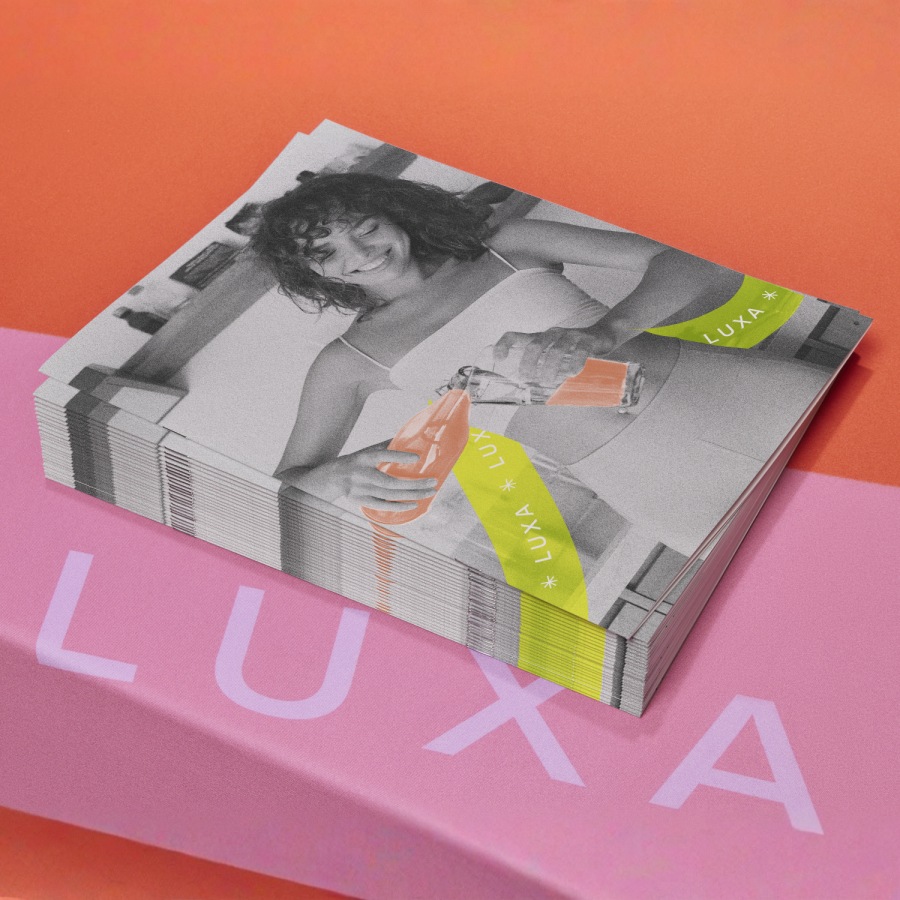
Our booklets are staple bound. 2 metal staples are used to turn individual pieces of paper into a cohesive booklet. Since the staples are placed down the centre of the paper, each piece of paper becomes 4 booklet pages.
If you choose a glossy cover, the inner pages will use a 150 gsm glossy paper stock with a reflective finish – perfect for making vibrant colours pop even more. If you choose a matte cover, the inner pages will use a 150 gsm matte paper stock with a glare-free finish for easy readability.
You can choose between a 150 gsm (Standard) or 250 gsm (Premium) thickness for both gloss and matte cover options.
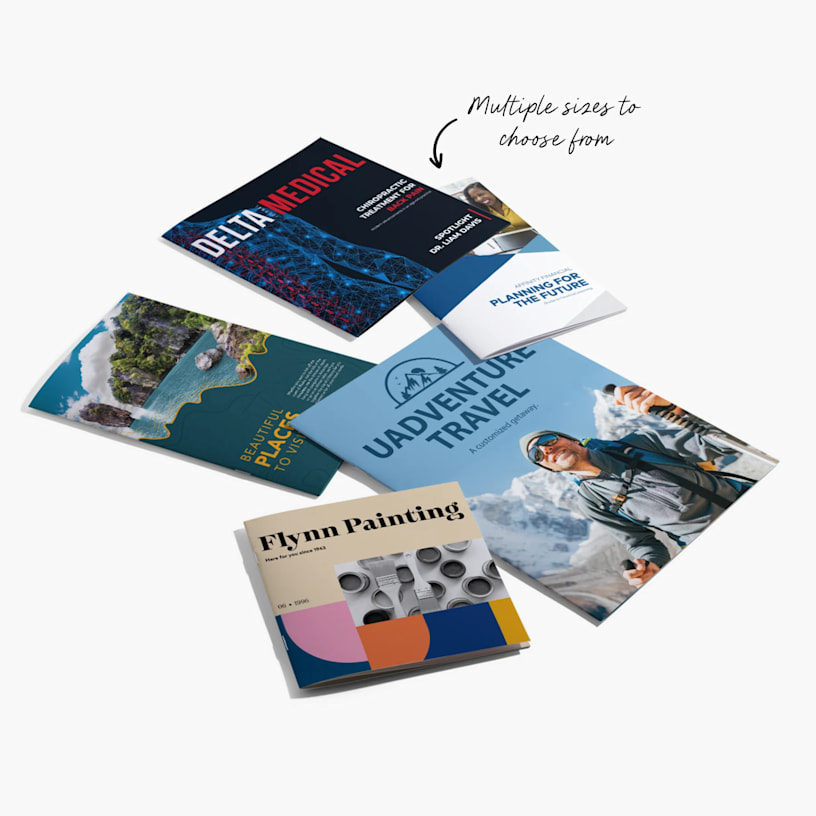
We currently offer six sizes: DL portrait, square (148 x 148 mm), plus A4 and A5 sizes available in portrait and landscape.
No, the inner paper material will always match the cover material that you choose. If you choose a glossy cover, the inner pages will be glossy. If you choose a matte cover, the inner pages will be matte.