

 Zoomed to minimumUse the plus and minus key to zoom and the arrow keys to pan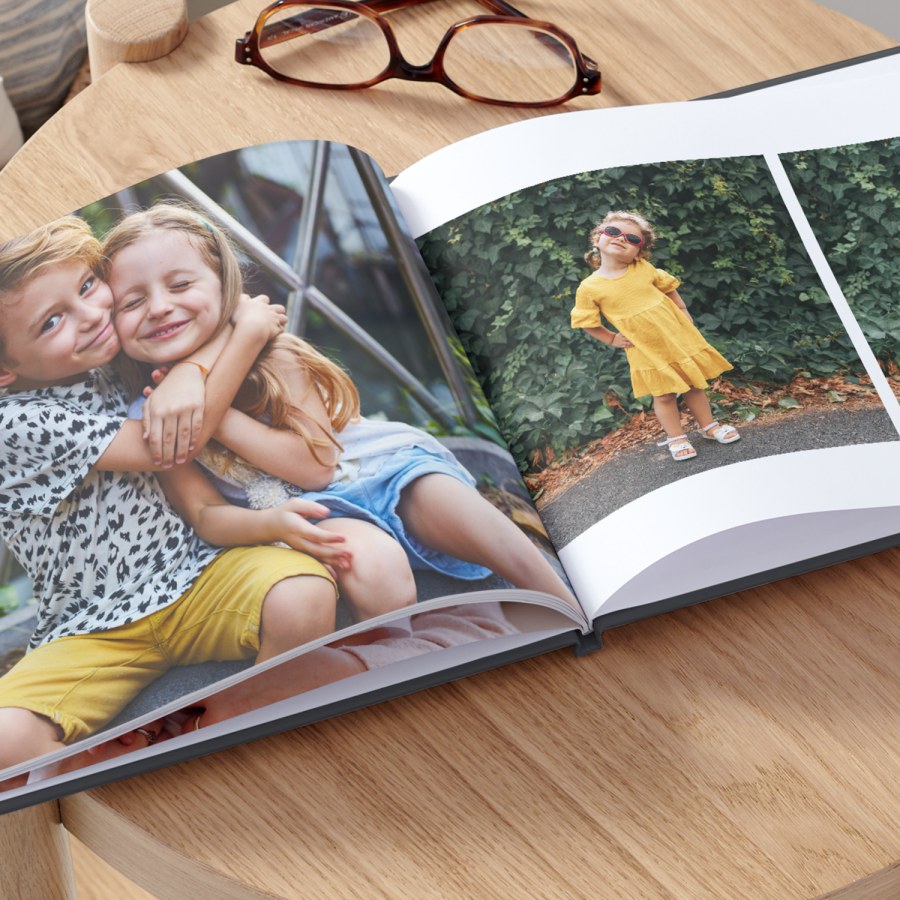
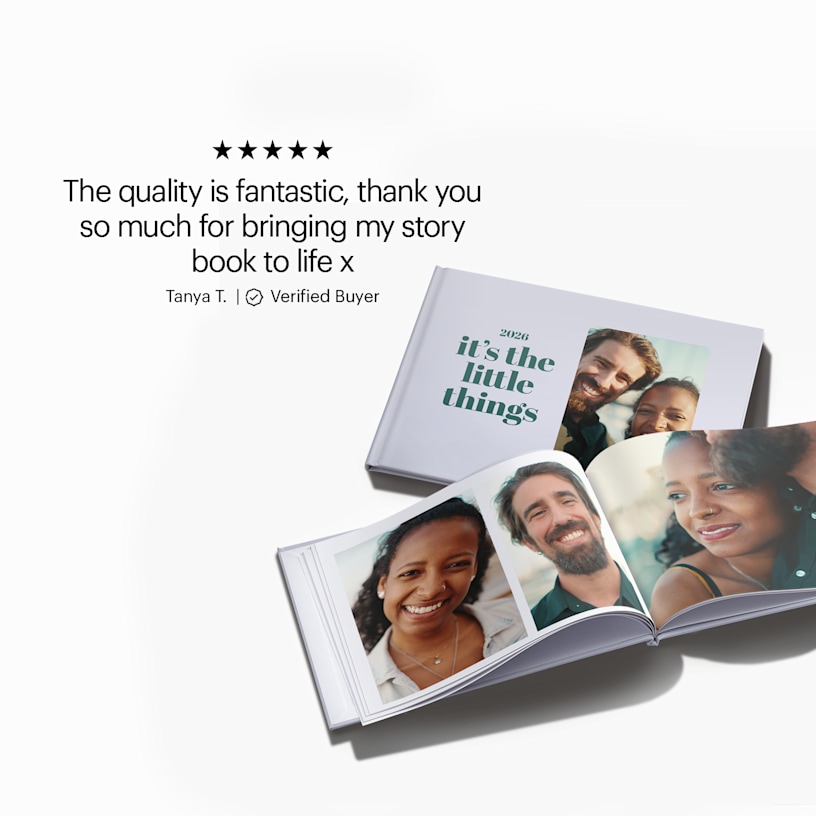
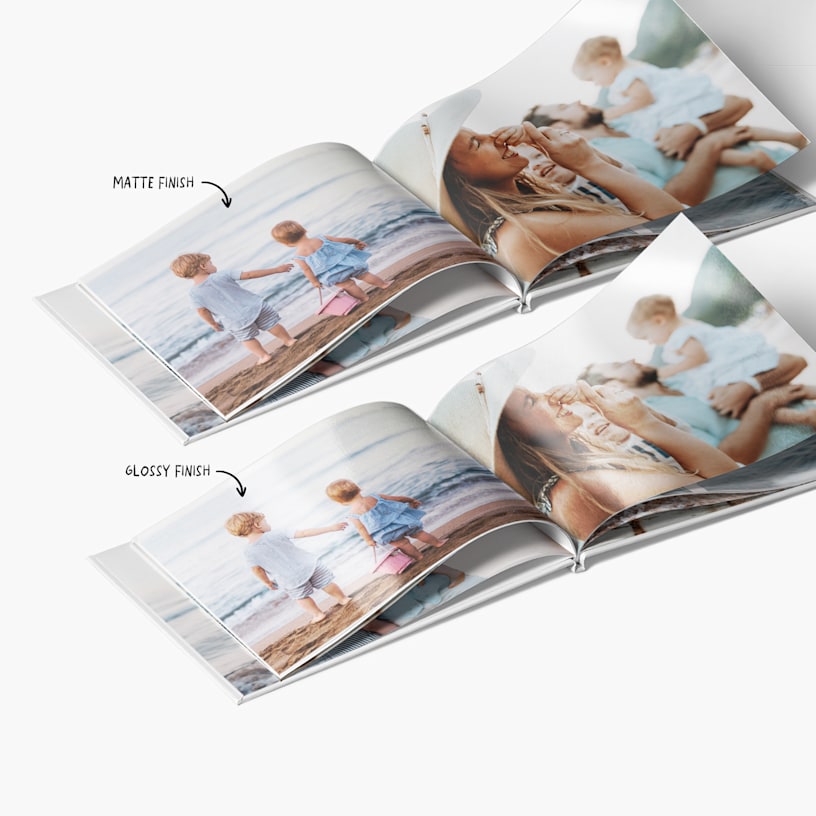
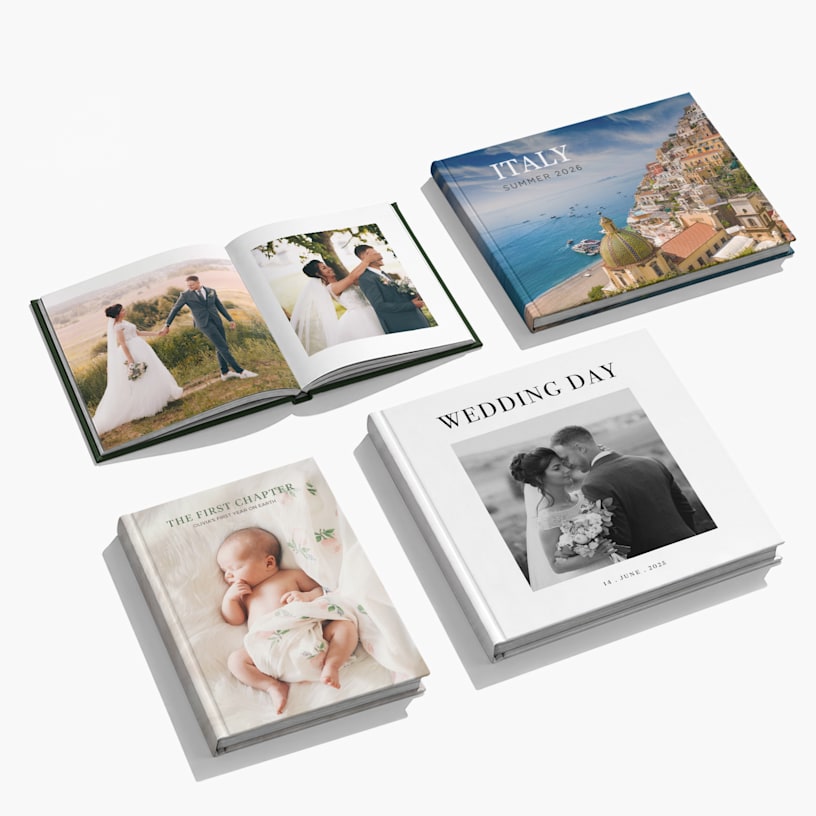
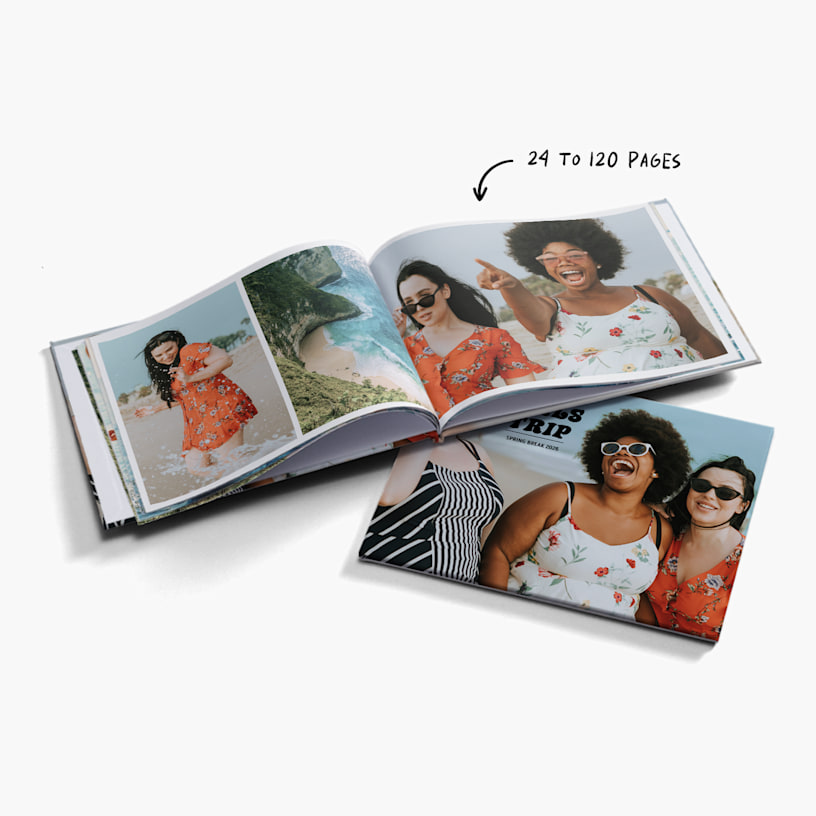
Photo Books
Note: To save your progress, sign into your VistaPrint account before designing.
See details

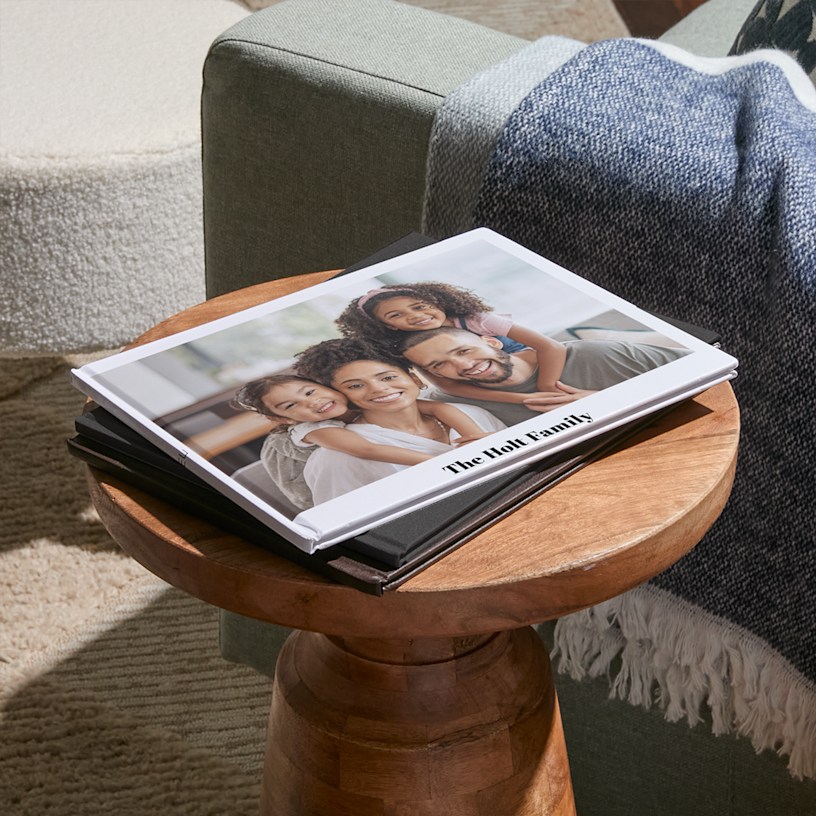
Make your best memories last a lifetime with personalised photo books.
- 8 size & layout options
- 4 paper stocks available
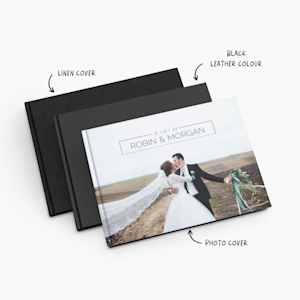
- Solid-coloured or photo cover options
- Starts at 24 pages – up to 120 pages
- Professional hardcover binding
- Online & offline design editors, featuring Smart Assistant
Moments you can hold
Turn your favourite memories into a beautifully printed photo book that lets you relive every moment for years to come. Photo albums are a great way to showcase your favourite images, all at budget-friendly prices. Plus, they’re perfect for adding a personal touch to your coffee table or home library.
Great for gifting
Looking for a gift that they won’t find in any store? Photo books have you covered. You can fill the pages with everything that makes that special someone smile – whether it’s pet photos, snapshots of their birthday party or even throwback pictures from their childhood. Most importantly, we offer layouts that let you add personal dedications or other messages next to each photo.
Details you'll love
To make sure your photo albums are as unique as the memories they hold, we offer them in multiple sizes, layouts, paper stocks and cover options. Whether you’re creating wedding photo albums to capture the magic of your big day, a newborn photo album to record your baby’s first steps or family adventures, VistaPrint has you covered. Our photo albums are perfect for celebrating the people that you love.
Create albums in a snap with Smart Assistant
It’s easy to start creating your photo albums with our online or offline design editors. (To learn more about these options, select the Editor Options tab above.) Just select a minimum of 24 photos from your device storage and customise away. Both editors have our Smart Assistant feature, which automatically picks out your best photos and creates a pre-set layout for you in seconds. With Smart Assistant, you can create your photo book in a matter of minutes. From there, we’ll handle the rest and get your photo books to you in 5-14 business days. Your photo books will arrive looking crisp, polished and ready to flip through. Photo book printing has never been so easy!
What customers love about our Photo Books
We’ve received more than 1400 reviews for our Photo Books. As one of our most popular photo gifts and with such extensive feedback, we wanted to capture what customers love most about this product:
- Excellent overall product: 611 reviews
- Great product quality and material: 528 reviews
- Easy and effective design experience: 357 reviews
- Great value for money: 74 reviews
- Beautiful and stylish design: 261 reviews
Reviewed by 1427 customers
We only offer standard delivery for our photo books. So, depending on your
address, this could take between 5-14 business days. We’ll always show you your
estimated delivery date at checkout, but you can take a look at our delivery page
for a full breakdown of shipping timeframes, based on where you live
Yes. We offer a mobile version of our online editor, which can help you design and order your photo book on your smartphone or tablet. Our download (offline) editor is not available on mobile devices.
The mobile photo transfer feature allows you to transfer photos from your mobile device to the desktop photo book editor by simply scanning a QR code. To learn more about this exciting new feature, check out this article.
Yes, as long as you choose our online editor, our CARE team will be able to help you every step of the way. For our offline editor, the CARE team won’t be able to help – we recommend it only for those with experience creating photo books.
You can use JPEG (.jpg), BMP, PNG and various RAW files. To make the most of your photo book, we recommend following these tips:
- For the photo book cover or front page, add a high-quality photo that captures the theme of your photo album.
- Switch up your layouts in between pages to keep things interesting.
- If you're adding text, use bold and contrasting colors for readability.
- Use the same fonts and colours throughout the whole photo book for a cohesive, professional feel.
As long as you have the images in your phone or computer storage, you can upload them into our editors.
Note: We don’t recommend saving photos from Facebook and uploading them, as this would result in low quality photos. We encourage using the original image files for the best results.
To prevent uploading errors, we recommend a maximum size of 4Mb per image. For the best print results, we also suggest a minimum image size of 2Mb. That said, there are no limits to the total file size of the album itself.
This comes down to a matter of personal preference. Some people prefer the classic look of black and white photography – especially for formal events like weddings and graduations. Colour photographs are a great way to show off vivid landscapes in travel albums or capture the fun of birthday parties and family get-togethers. Or, you can get the best of both worlds and use different approaches within different album spreads. The choice is yours!
Not at this time, but our editors offer multiple layout styles, stickers and masks for you to get creative with. And with the Smart Assistant feature, you can skip the hard part of choosing and layouting your photos and go straight to adding your custom touches.
To avoid losing your progress, we recommend signing into your VistaPrint account before you start designing. This way, you can reliably save your design, keep track of your edits and easily pick up where you left off.