

1
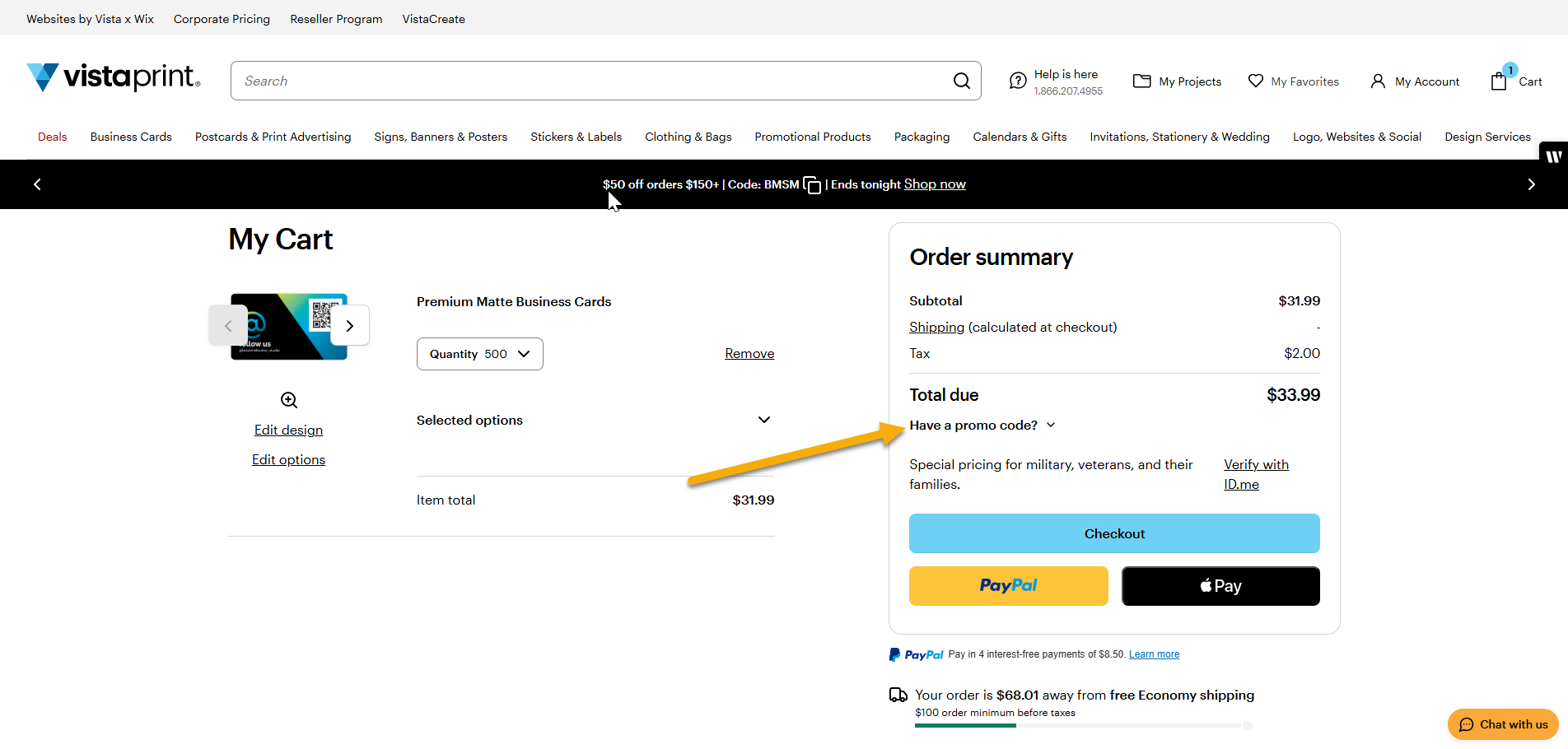
Open the promo code field
Select ‘Have a code?’ in your basket to expand the promo code box.
2
Enter a new promo code
Type the new promo code into the promo code field.
3
Apply the code
Select Apply to update the promotion in your basket.
What to keep in mind
You can only apply one promo code per transaction.
If you already applied a promo code and the new code isn’t valid, we’ll show an error message and keep your current discount.
Before placing your order, double-check that the final price matches your expectations.

